
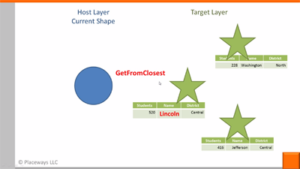
Using the Formula Editor to create dynamic attribute formulas, highlighting a few useful spatial analysis functions. Part 3 of 3 (6:37)
Download Transcript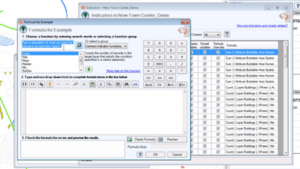
How-to-basics for setting up your own custom indicators and dynamic attributes using the Formula Editor. Part 1 of 3 (6:33)
Download Transcript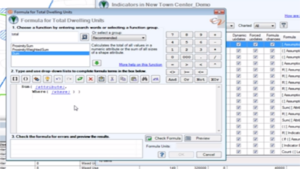
A simple Formula Editor example illustrating how to set up custom indicator formulas using attributes as inputs. Part 2 of 3 (7:07)
Download Transcript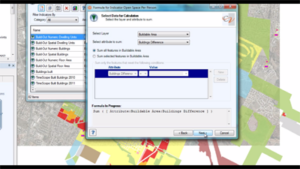
This video tutorial provides a demo of the Scenario 360 Formula Wizard. The formula wizard assists you in constructing the most common types of indicator or attribute formulas (4:28)
Download Transcript
Please Note: These videos are representative of legacy v5.2 functionality. We are currently developing new videos to reflect the latest CViz Pro release. These videos can still be used for demonstration of CommunityViz logic